Xfinity Stream App Not Working on Firestick? 8 UK Fixes
To fix the Xfinity Stream app not working on your Firestick, first force stop the application and clear its cache under **Settings > Applications > Manage Installed Applications**. If you are trying to stream outside the US (e.g., in the UK), connect your Firestick to a premium VPN with a US-based server node before launching the app. If issues persist, update the app via the Amazon Appstore, restart your device and router, or perform a complete deactivation and reactivation at **xfinity.com/authorize**.
For Comcast subscribers, the Xfinity Stream app is an essential hub for watching live TV, sports, and on-demand movies. However, launching the app only to be greeted by a spinning wheel of death, a persistent black screen, or a cryptic error code (like TVAPP-00100 or TVAPP-00200a) is a highly frustrating experience. If you are trying to access your favourite content from the United Kingdom, these technical bugs are often compounded by geographic licensing blocks and VPN routing errors.
As a network diagnostics specialist and smart TV consultant with over five years of experience troubleshooting media platforms, I have analysed how Fire OS interacts with Comcast’s streaming architecture. In this ultimate UK troubleshooting guide, we will break down the common reasons why Xfinity Stream stops loading on Amazon Fire TV sticks and walk through 8 detailed, step-by-step methods to resolve these issues and get your stream working smoothly in HD.
Why is the Xfinity Stream App Not Working on Firestick?
To implement a permanent fix, we must first diagnose the root cause of the crash. The Xfinity Stream application relies on complex background verification checks, including location tracking and DRM validation. The primary culprits behind application failures include:
- Geographic Location Blocks (UK/Outside US): Xfinity Stream is strictly restricted to US residents. If you are travelling, living as an expat in the UK, or using a local British ISP connection, Comcast’s servers will immediately block your stream.
- Corrupted App Cache and Temporary Files: Over time, the app stores configuration scripts, images, and session tokens. If these files become corrupt, the app will freeze at startup or display a black screen.
- Outdated Application Version: Comcast frequently rolls out security updates and API modifications. Running an outdated app version leads to authentication mismatches.
- VPN Detection Protocols: Comcast actively scans and flags IP addresses associated with popular commercial VPN providers. If your VPN is detected, you will experience connection dropouts and licensing errors.
- Home Network Restrictions: Some live channels require the Firestick to be connected to the subscriber’s primary Comcast home Wi-Fi network, causing errors when streaming from remote networks.
Xfinity Stream Diagnostic Checklist
Before executing the repair steps, review this diagnostic table to identify the most effective fix based on your symptoms:
Tired of Geo-Blocks and VPN Streaming Errors?
If you’re fed up with managing complex VPN nodes and fighting geoblocks just to watch your favourite programmes, consider upgrading your streaming experience with GuardianTV. GuardianTV provides a lightning-fast, highly reliable streaming solution designed to deliver uninterrupted entertainment without regional errors, buffering, or complicated IP configuration setups.
8 Ways to Fix Xfinity Stream on Firestick
Step 1: Resolve Geolocation and VPN Mismatches
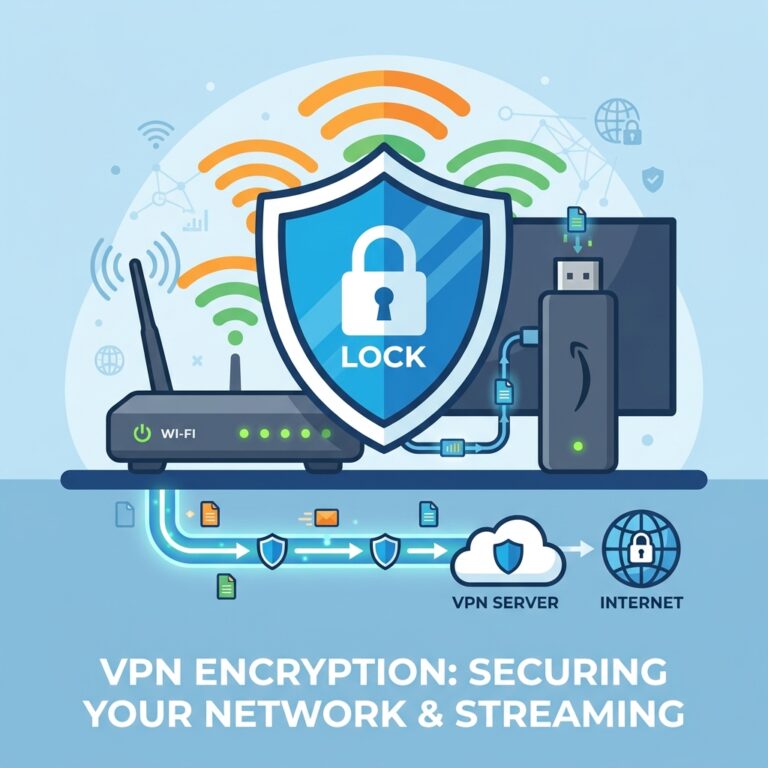
For streams accessed from the UK, the most common issue is geographical blocking. Xfinity Stream checks your public IP address. If it detects a non-US network, it will block playback. To resolve this, you must run a premium VPN configured with a US server node.
Launch your VPN application on your Firestick. Disconnect from any local UK servers and select a US server (preferably located in Chicago, New York, or Atlanta). Once connected, force close the Xfinity Stream app and clear its cache. If Comcast continues to block your connection, try switching the VPN protocol from OpenVPN to WireGuard or select an obfuscated server node designed to bypass VPN blocks.
Step 2: Force Stop and Clear the App Cache
Temporary storage corruption is a primary cause for the app freezing or displaying a black screen. Clearing the cache removes temporary files without losing your account settings.
From the Firestick home screen, navigate to **Settings** (gear icon) and select **Applications**. Click on **Manage Installed Applications** and scroll down to find the **Xfinity Stream** app. Click on it, then select **Force Stop** to terminate all background processes. Next, select **Clear Cache**. Re-launch the app to see if the interface loads.
Diagram: Steps to access Manage Installed Applications to clear Xfinity Stream cache.
Step 3: Perform a Hardware Power Cycle
A simple reboot is often not enough to clear memory leaks on older Firestick models. A full hardware power cycle drains residual current, resetting hardware registers and clearing OS caches.
Unplug your Firestick’s USB power cable directly from the mains wall socket. Disconnect the stick from your television’s HDMI port. Leave the hardware disconnected for a full 60 seconds. While waiting, unplug your television and internet router for 30 seconds. Reconnect the router, wait for a stable Wi-Fi signal, plug in your TV, and reconnect the Firestick. Start the app again.
Step 4: Check and Reset Your Internet Network
Xfinity Stream requires a constant bandwidth connection of at least 5 Mbps for SD streaming and 15 Mbps for HD streaming. Weak signals will crash the app.
Navigate to **Settings > Network** and press the Play/Pause button on your remote control to run the built-in Fire TV network connection test. If your signal strength is ‘Poor’ or ‘Fair’, try moving your Firestick closer to your router, or run an HDMI extension cable to position the stick away from the back of the TV casing to improve Wi-Fi reception. If possible, use an official Amazon Ethernet Adapter for a hardwired, stable line.
Diagram: Running a network diagnostics test on Firestick to verify signal strength.
Step 5: Verify Your Comcast Xfinity Subscription Status
If the app opens but displays credential or subscription errors, your Comcast account profile may have lapsed billing or restricted permissions. If you are sharing the account, the primary holder might have reached the stream limit.
Open a web browser on a phone or computer, visit the official **Xfinity portal**, and log in. Go to the Account Management page to verify that your service is active and your billing details are up to date. Check that parental controls are not blocking the device and that you are not exceeding the streaming limit for simultaneous screens.
Step 6: Update the Xfinity Stream App and Fire OS
Using older software builds results in security certificate failures. Keeping your apps and firmware updated ensures compatibility with Comcast’s servers.
Search for **Xfinity Stream** on your Firestick Appstore. If a newer version is available, click the **Update** button. Additionally, update the Firestick operating system by going to **Settings > My Fire TV > About > Check for Updates**. Install any pending software updates and allow the device to restart.
Step 7: Deactivate and Reactivate the App
If you encounter an infinite login loop, you must clear the authentication token stored in the Firestick’s secure storage. The best way to do this is by deauthorising the device and link it again.
Uninstall the Xfinity Stream app. Reinstall the app from the Appstore and open it. A code will appear on your TV screen. Open a browser on your phone or computer, go to **xfinity.com/authorize**, input the code, and log in with your Comcast account. The Firestick should link and refresh automatically.
Step 8: Reset Firestick to Factory Settings
If you have tried all the steps above and the app still crashes, your Firestick likely has deep system file corruption. Performing a factory reset resets the OS back to its default clean slate.
Go to **Settings > My Fire TV > Reset to Factory Defaults**. Confirm your choice and enter your PIN if prompted. Wait for the factory reset to complete (5-10 minutes). Once done, reconfigure your Firestick, connect to your Wi-Fi network, download the VPN and Xfinity Stream app, and run authorization again.
Embedding Xfinity Stream Troubleshooting Video Guide
If you prefer a visual guide to resolving connection errors and setting up streaming apps on your Fire TV Stick, check out this diagnostic video tutorial:
Deep Dive: Optimising Premium Streams in the UK
Because Xfinity Stream is heavily optimised for US residential networks, streaming on foreign networks in the UK will always introduce latencies, even with high-end VPN configs. Many UK users experience buffer cycles due to Comcast’s packet inspection protocols detecting dynamic commercial IPs. Routing your device through a dedicated streaming provider, such as GuardianTV, allows you to access premium content libraries with maximum bandwidth, secure encryption, and zero local geoblock throttling.
Frequently Asked Questions (FAQs)
Yes, but you will need an active US-based Comcast subscription and a premium VPN set to a US server node to bypass geographic licensing restrictions. Free VPNs are usually blocked by Comcast’s firewalls.
This usually indicates a server-side Comcast outage, an outdated app version, corrupted local cache files, or an active VPN connection being detected and blocked by the platform.
Navigate to Settings > Applications > Manage Installed Applications > Xfinity Stream and select Clear Cache. Do not select Clear Data unless you want to delete your logins and preferences.
Comcast restricts certain live channels to your home network. If you are away or streaming from the UK, use a VPN router or set your VPN to match your home residential IP if possible.
VPN services with dedicated streaming servers and obfuscated nodes, such as ExpressVPN or NordVPN, work best to bypass Comcast VPN detection mechanisms.
Open the Amazon Appstore, search for ‘Xfinity Stream’, select it, and click ‘Update’ if a new version is available.
Yes, a factory reset wipes all user data and applications from the Firestick, requiring you to re-authenticate the app using a new activation code.
Conclusion
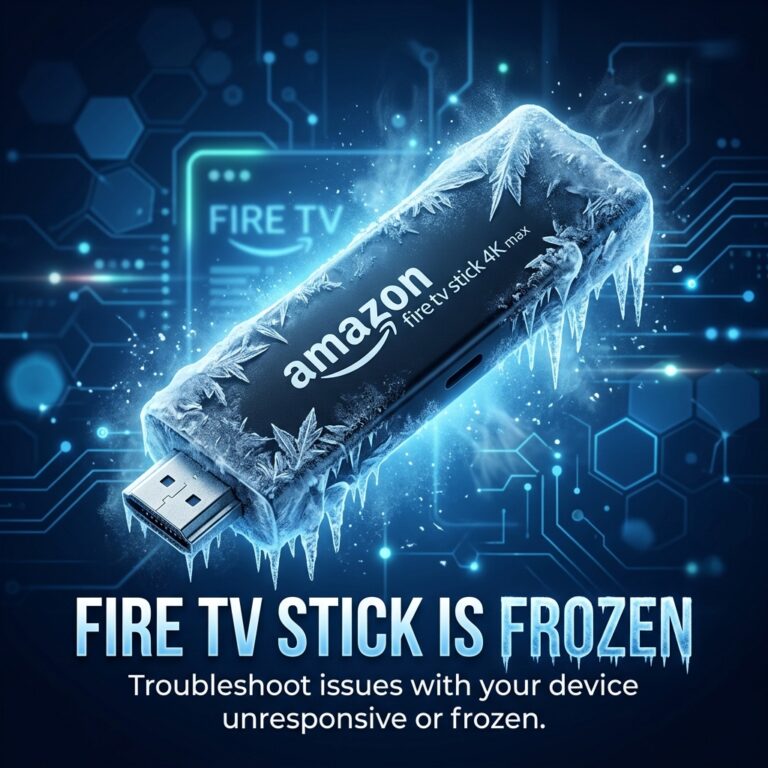
Fixing the Xfinity Stream app on your Amazon Fire TV stick involves simple troubleshooting steps, starting from clearing corrupted cache files and doing hardware reboots, to configuring VPN servers correctly when streaming in the UK. By walking through our diagnostic steps sequentially, you can resolve most Xfinity playback errors. If your Firestick continues to experience system-wide performance issues, check out our guide on why Firestick keeps freezing. For stable, secure, and fast streaming feeds across all platforms, consider moving to a premium recommendation like GuardianTV to secure your home media setup.
 English (UK)
  العربية
  Deutsch
  Ελληνικά
  Suomi
Suomi  Magyar
  Italiano
  Українська
  Svenska
  Română