
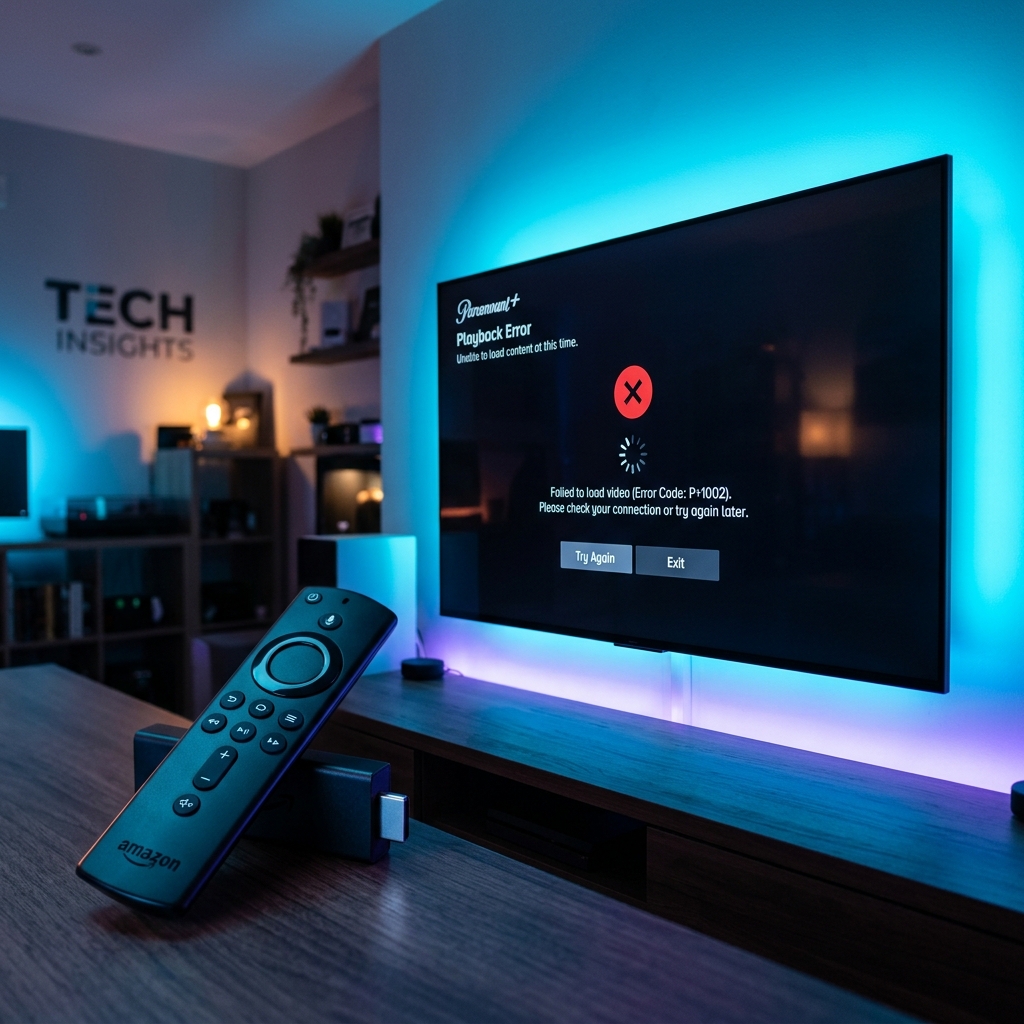
Paramount Plus Not Working on Firestick
If Paramount Plus is not working on your Firestick, clear the app cache and data under Settings, force stop the application, verify your UK subscription status, check for Fire OS and app updates, and power cycle your Wi-Fi router.
Are you sitting down to stream the latest blockbuster movie or exclusive series, only to find the Paramount Plus app lagging, showing a blank screen, or crashing back to the homepage? As a popular streaming service in the UK, Paramount Plus is home to brilliant content, but it is notorious for causing technical headaches on Amazon Fire TV Sticks. If you are struggling with **paramount plus not working on firestick**, you are in the right place.
As a seasoned SEO and streaming media specialist with over five years of hands-on technical troubleshooting experience, I have resolved countless application freezes, geo-location errors, and cache conflicts. In this comprehensive UK-focused guide, we will explore the root causes of why the app fails and walk you through 8 proven fixes to restore smooth, high-definition streaming. The good news is that most of these Paramount Plus app issues can be solved in a matter of minutes.
Why is Paramount Plus App Not Working on Firestick?
When Paramount Plus fails to stream, the problem usually stems from app data corruption, a network bottleneck, or compatibility updates. Here are the main reasons why your app keeps stopping:
- Corrupted App Cache: Temporary files stored by Paramount Plus can become corrupted and cause the app to crash or freeze.
- Outdated Application Version: Running an older version of Paramount Plus can create software conflicts with the latest Fire OS drivers.
- Broadband Speed and Stability: Slow download speeds or high latency can prevent the app from connecting to the server, leading to loading loops.
- Insufficient Device Resources: Having less than 1GB of storage space stops the Firestick from buffering video segments properly.
- Account and Billing Status: Issues with expired payment cards or inactive subscriptions will block access to the stream.
- VPN and Geo-Blocking: Using a VPN can trigger security blocks as Paramount Plus actively blacklists IP addresses detected outside of licensing zones.
Quick Checklist to Get Paramount Plus Working
Before launching into detailed steps, perform these quick sanity checks. In our testing, these items resolve the vast majority of streaming app failures:
Frustrated with Slow App Performance and Buffering?
If your Firestick hardware is lagging, or you are tired of dealing with constant application crashes, we highly recommend trying out **GuardianTV**. GuardianTV offers a premium, high-speed, and ultra-reliable streaming setup across the UK, keeping you secure and buffering-free.
8 Ways to Fix Paramount Plus on Firestick
Work through these troubleshooting procedures sequentially to identify and resolve the bottleneck.
1. Clear the Paramount Plus Cache and Data
The first and most effective fix is to purge the app’s cache directory. Every time you scroll through titles or start a stream, the app saves temporary graphics and data. Over time, these files can become corrupt, causing the app to freeze, display a black screen, or close unexpectedly.
To clear cache on your Firestick:
- Navigate to the Settings gear icon on the Firestick home screen.
- Select Applications, then choose Manage Installed Applications.
- Scroll down and select Paramount Plus.
- Click Force Stop first, then click Clear Cache.
If the app still fails to run, return to this menu and click Clear Data. Note: Clearing data resets the app to factory settings, which means you will have to enter your login credentials again, but it clears deep-seated cache corruption.
2. Check for Paramount Plus App Updates
App developers release updates regularly to address security patches, compatibility issues with Fire OS, and common crashes. If you have automatic updates turned off, you might be running an outdated version of the app that is no longer supported by Paramount’s servers.
To check for updates:
- Press and hold the Home button on your remote control, and select Apps.
- Highlight the Paramount Plus icon.
- Press the Menu button (three horizontal lines) on your remote and select More Info.
- If an update is available, click Update to install it.
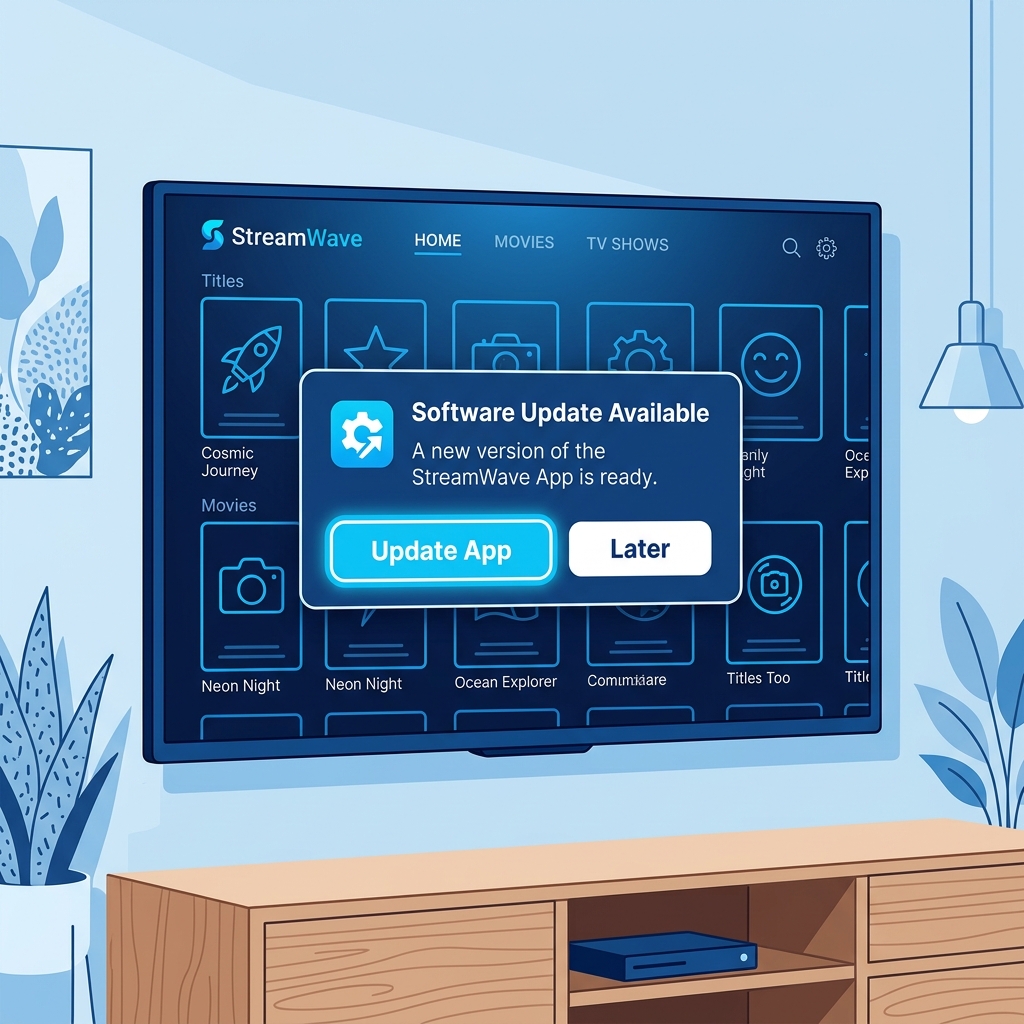
Infographic: Navigating app stores to apply updates for Paramount Plus on Firestick.
3. Reinstall a Fresh Copy of the App
If updating doesn’t work, some files inside the app’s directory may be permanently corrupted due to a bad installation or a power cut during an update. In this case, performing a complete uninstall and reinstall is required.
Solution: Go to Settings > Applications > Manage Installed Applications > Paramount Plus and select Uninstall. Once removed, restart your Firestick (a clean reboot is crucial here). Go back to the Appstore, search for “Paramount Plus”, download it again, and attempt to log in.
4. Update Your Firestick Operating System
If your Firestick’s system software (Fire OS) is outdated, it can trigger performance bottlenecks and prevent streaming apps from launching correctly. Keeping your Firestick software updated ensures that the latest video player codecs and network protocols are active.
Solution: Navigate to Settings > My Fire TV > About and select Check for Updates. Allow the device to install any software updates and restart. If you ever experience layout freezes or displays acting up after updating, see our guide on fixing a white screen on Firestick.
5. Restart and Optimise Your Network Connection
High-definition streaming requires a fast, low-latency broadband connection. If your Wi-Fi is drop-prone, the app will buffer, freeze, or display server connection errors. In the UK, wireless routers can easily get overloaded with too many connected smart devices.
Solution: Power cycle your Wi-Fi router by unplugging it from the mains power for 30 seconds and plugging it back in. Ensure your Firestick is connected to the less congested 5GHz Wi-Fi band rather than the 2.4GHz band. If your router is far from the TV, consider using an Ethernet adapter to hardwire your connection.
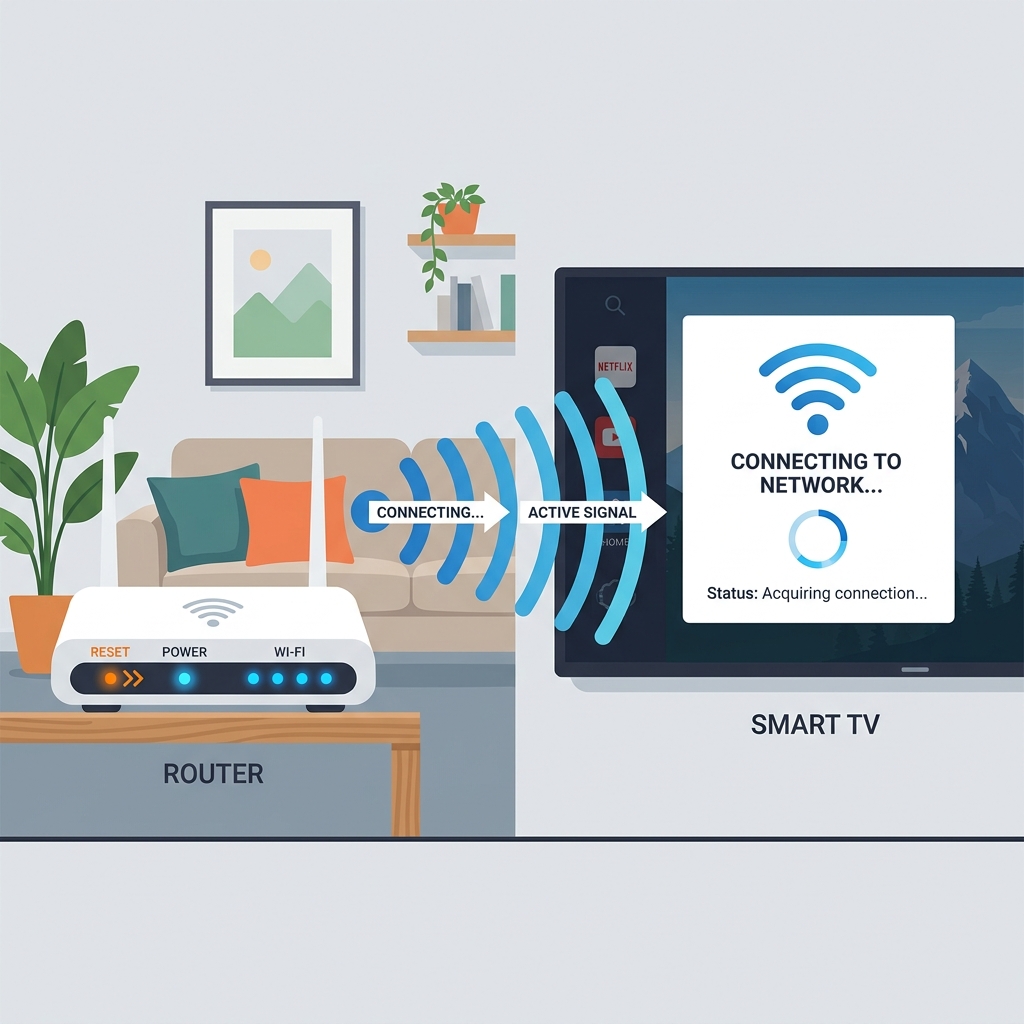
Infographic: Performing a router power cycle to clean local connection drops.
6. Verify Storage Space
Firesticks only have a small 8GB storage partition. If you have less than 1GB of storage space remaining, the device cannot allocate enough virtual memory for buffering video files. This causes video streams to abruptly crash or stutter.
Solution: Go to Settings > My Fire TV > About > Storage to inspect your space. If your storage is full, uninstall unused apps and clear out heavy cache directories. If you find your device is constantly stalling, check our instructions on why your Firestick keeps requiring unplugging to address underlying hardware limits.
7. Check for Account and Subscription Status
Sometimes, the app works fine, but it refuses to play streams due to account status errors. A billing issue, an expired credit card, or a failed subscription renewal can block stream authorizations, resulting in playback errors or loading screens.
Solution: Open a browser on your phone or computer, log in to your Paramount Plus account page, and verify that your billing status is active and your payment details are up to date.
8. Disable VPN Services Temporarily
If you use a VPN on your Firestick for security, it might be the reason Paramount Plus is not working. Paramount Plus is geo-restricted and actively blocks known VPN IP addresses to protect international licensing laws. Furthermore, VPN encryption can significantly reduce your download speeds.
Solution: Open your VPN app, disconnect the service, and relaunch Paramount Plus. If you require a VPN for security, try connecting to a UK server that is optimized for streaming. To learn more about VPN settings, read our guide on why you need a VPN on Firestick.
Frequently Asked Questions (FAQs)
If Paramount Plus is stuck on a blue loading screen or a spinning wheel, it usually points to a server connection failure or a corrupted app cache. Force stop the app, clear the cache in your Firestick settings, and reboot your Wi-Fi router to re-establish a link.
While Paramount Plus supports most Fire TV devices, older 1st and 2nd generation Firesticks struggle with modern streaming apps due to limited CPU and RAM capacity. Upgrading to a newer Firestick 4K Max or using a hardwired connection will improve performance.
Error code 3205 is a common network connection error. It indicates that your Firestick is struggling to maintain a stable connection with the streaming server. Power cycle your router and make sure you are using a 5GHz Wi-Fi connection.
Crashes are typically caused by memory leaks in the app or system RAM congestion. Clear the cache of the Paramount Plus app, restart your Firestick via Settings, and ensure that your system has at least 1.5GB of free storage space.
Yes. If you subscribe to Paramount Plus via Sky Cinema or Prime Video Channels in the UK, choose the “Sign in via Partner” option on the login page and follow the on-screen activation instructions to link your device.
A factory reset should only be considered as a last resort, as it deletes all downloaded apps and settings. If you have tried clearing cache, reinstalling the app, and verifying your connection, and the app still fails, a reset will restore a clean operating system.
Conclusion
Having **Paramount Plus not working on Firestick** can disrupt your streaming plans, but in most cases, the issue is resolved with simple cache maintenance or a network reboot. By following our 8 step-by-step solutions, you can fix crashes, blank screens, and server connections quickly. For an absolute guarantee of secure, ultra-stable, and high-performance streaming across the UK without constant hardware and app glitches, we also recommend checking out premium services like GuardianTV. GuardianTV delivers fast, secure streams, ensuring your entertainment setup is always ready.

 English (UK)
  العربية
  Deutsch
  Ελληνικά
  Suomi
Suomi  Magyar
  Italiano
  Українська
  Svenska
  Română